The most asked questions about XXII Congreso de la Asociación Española de Teledetección. If your question is not here, write to us at info@aet2027.es.
They are two separate steps, and you need both if you are going to present a paper.
Your access to the platform. From here you submit your papers and track their whole process: review, decision, revised version and presentation.
This is what formalises your attendance at the congress. When you register, a proforma invoice is issued with the payment details (card or bank transfer). If your institution needs the final invoice before paying, you can request it from your area.
Once payment is confirmed you receive the final invoice, and your place at the congress is confirmed.
Nothing with those words. Try others, or write to us.
If you do not see the email within a few minutes, check your spam folder.

No, they are two separate steps.
You can have an account and submit papers without being registered yet. Everything is in “My area”: your papers, your registration, your invoices, your badge and your certificates.
To submit it, no: the account is enough. If the paper is accepted, whoever presents it has to be registered, because presenting means attending the congress. Co-authors who are not attending do not need to register.
When your registration is pagada. Until then it is recorded, but awaiting payment.
In “My area”, the “Your registration and your invoice” section always shows where it stands.
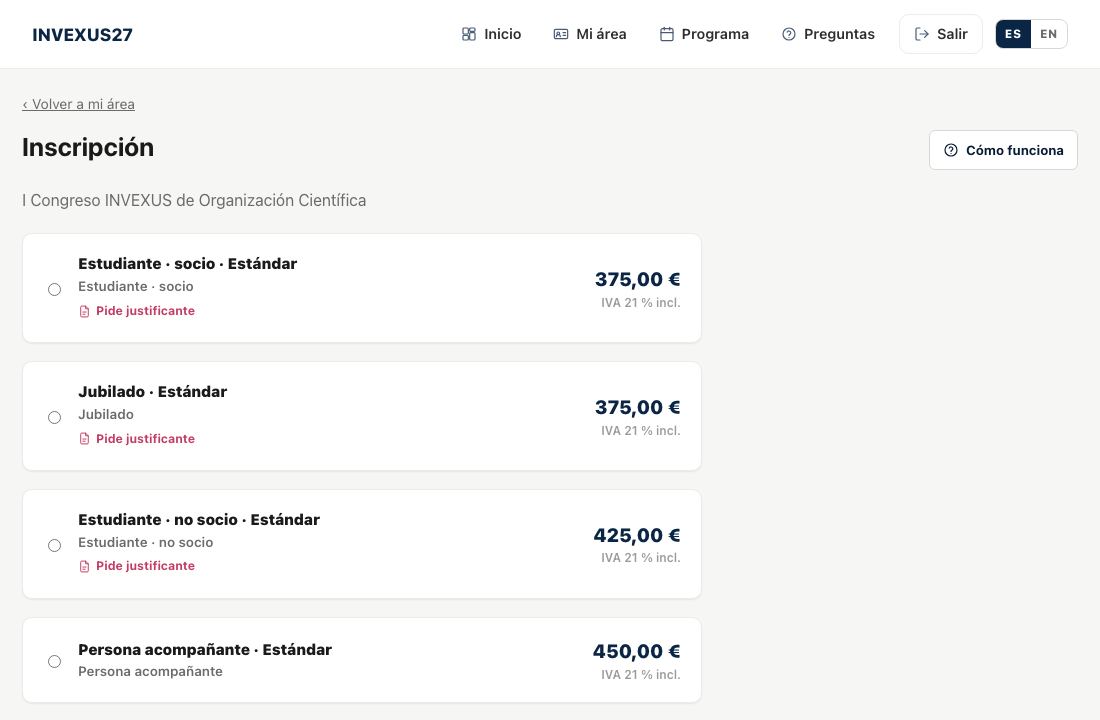
Some fees —student, unemployed, member…— are for those who can prove it. When choosing one you are told which document is needed, and you have to attach it when registering: a PDF or a photo will do.
The organisers check it. If it is not valid, we will email you the reason and you can upload another from “My area”, with “Send the proof”. Meanwhile your registration stands.
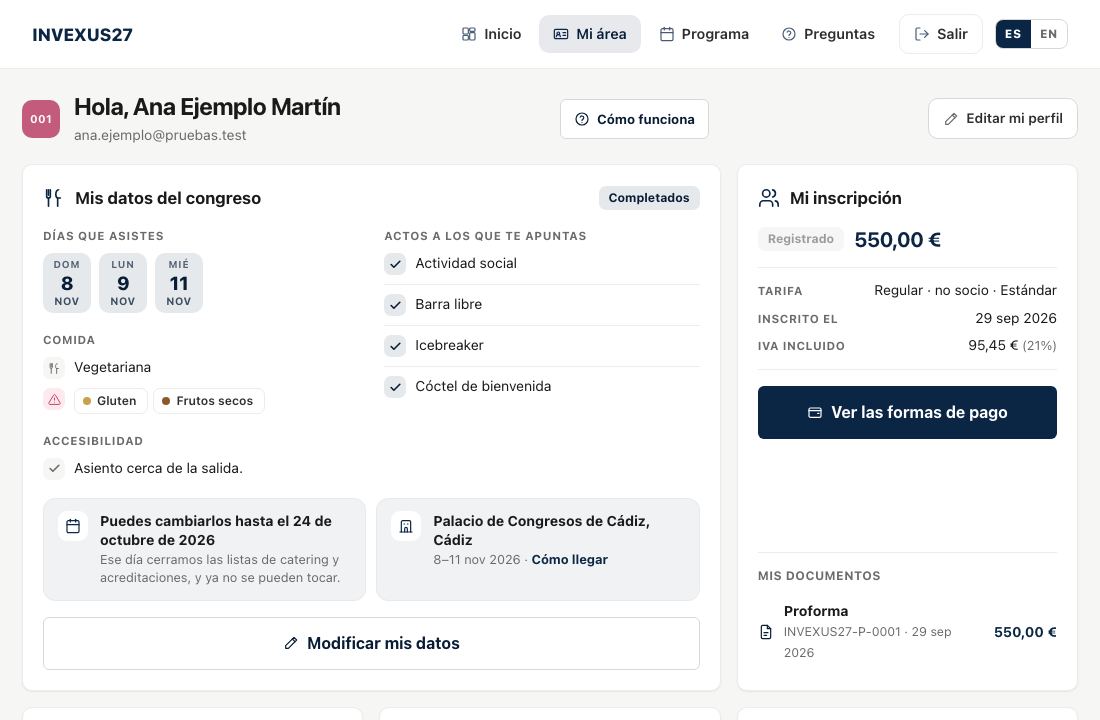
They are the days you are coming, whether you eat or dine with the congress, your allergies or diet, and whether you need anything for accessibility. Catering and badges are closed with them.
Puedes cambiarlos desde «Mi área» hasta el 15 August 2027. Después las listas ya están cerradas: si surge algo, escríbenos.
Before registering, check your billing details: the proforma is issued with them.
It is a document with the amount and the details to pay, but it is not an invoice: it has no fiscal validity. It is what a university or a public body usually asks for to process payment.
You will find it in “My area”, under “My documents”, as soon as you register.
When the payment is confirmed: you get it by email and it stays in “My documents”.
If your institution needs the invoice before paying, request it from “My area” with “Request the invoice”: the organisers check it and reply.
Puedes pagar by card, en el momento, desde tu área, o by transfer, con los datos de tu proforma (tienes 7 días para hacerla). Si te paga una administración pública, la factura se tramita por FACe (mira la pregunta sobre administraciones).
You pay from “My area”, under “Your registration and your invoice”. By card, the gateway is secure: you type your card on the bank’s page, not ours.
Una vez inscrito tienes 30 days en la cuota reducida y la estándar, y 15 days en la cuota onsite, contados desde el día en que te inscribes. La fecha exacta sale en tu proforma y en «Mi área». Si pasa el plazo sin pagar y sigue abierta la misma cuota, la inscripción queda on hold and you reactivate it from «My area»; if by then another fee applies, the amount is updated to the current fee and you get a new deadline to pay it.
Yes. In “My invoicing details”, in your area, choose “Company or university” and enter its name, tax ID and address.
Do it before registering, so that the proforma is already in its name. If you have already registered, change them and ask us to redo the proforma.

In “My invoicing details” choose “Public administration” and fill in the three DIR3 codes of your body:
Your financial management unit will give them to you. The invoice is issued electronically and submitted to FACe, as the law requires; you do not need to upload it.
You get a confirmation email and the paper appears in “My contributions”, where you will see every step: review, decision, revised version and presentation.
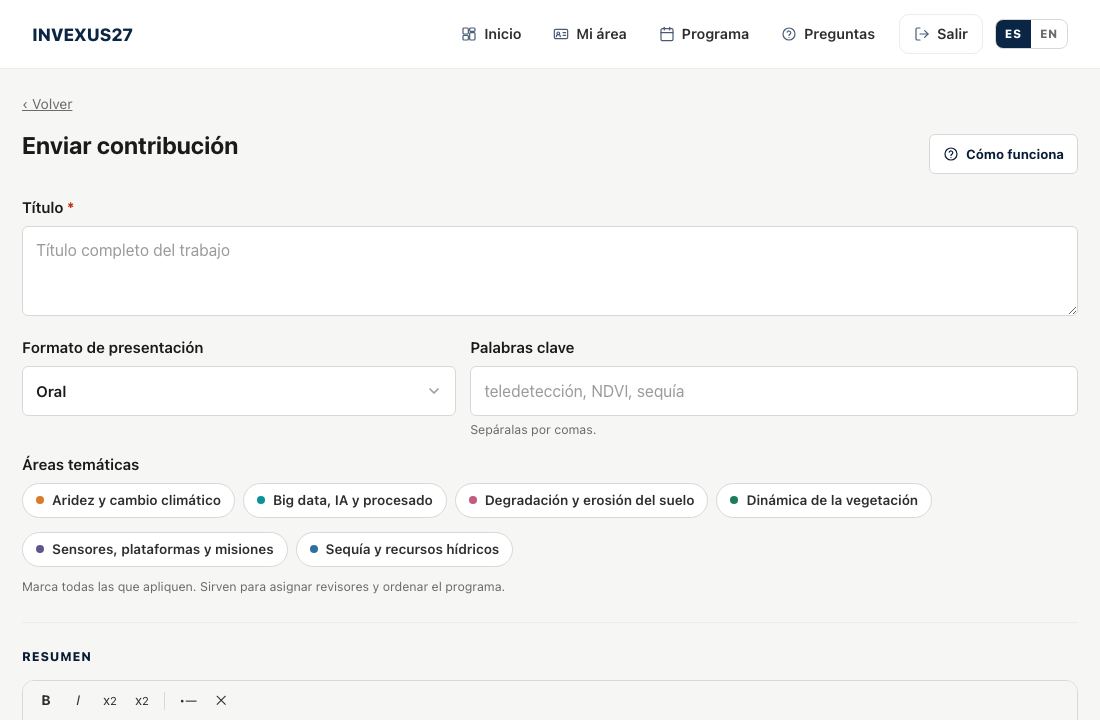
At the very top of the submit-a-paper screen, and also in your area, under "My contributions". The rules in PDF open right there; the templates are downloaded.
Until 12 April 2027, a partir del 18 January 2027.
While the submission period is open, yes: open it from “My contributions” and edit it as many times as you like.
Si el plazo ya ha cerrado y necesitas corregir algo —el documento equivocado, un coautor que falta—, escribe a la organización (info@aet2027.es): puede abrirte tu contribución unos días.
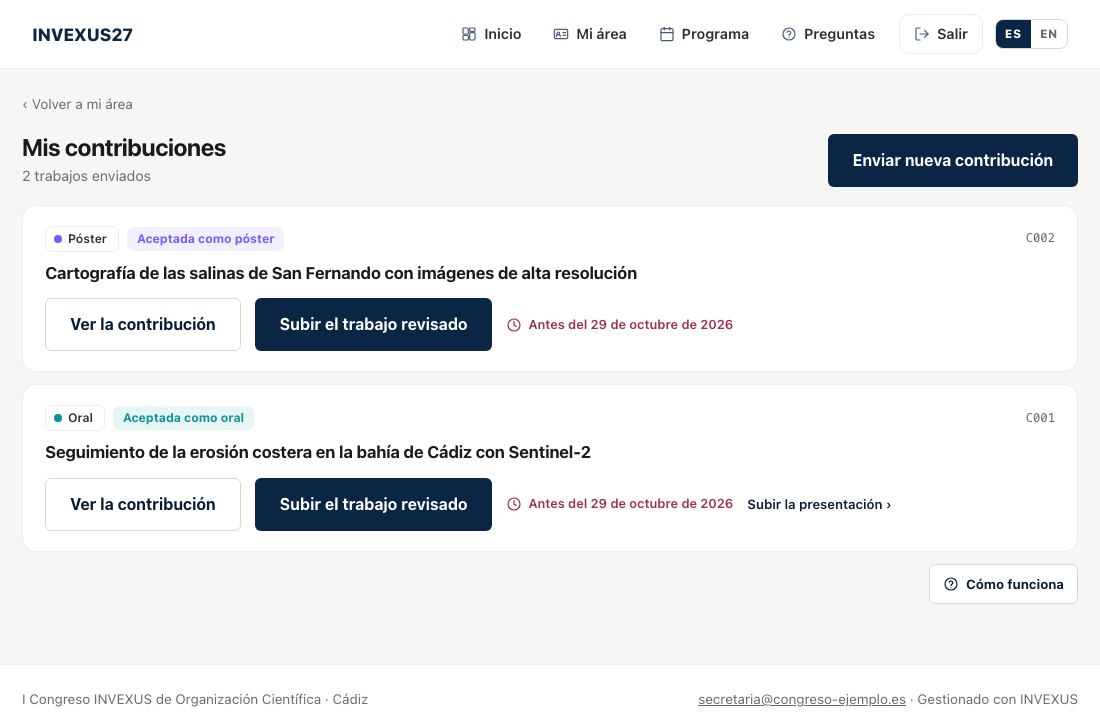
The last version you upload is the one that counts. Earlier ones are not deleted: they stay in your contribution's history and you can open them whenever you like.
Until 2 trabajos por persona, contando los que envías tú. Aparecer como coautor en el trabajo de otra persona no te gasta ninguno.
The decision is communicated at the latest on 21 June 2027. You will get it by email, and you will also see it in “My contributions”, with the reviewers’ comments if there are any.
From "My contributions", with the "Upload the revised paper" button. El plazo para enviarlo termina el 28 May 2027.
If your paper is presented in a room, from "My contributions" → "Upload the presentation". Se pueden subir del 22 June 2027 al 16 September 2027.
Es a single file: if you upload another, it replaces the previous one. If it has videos, send it as a ZIP.
From “My area”, under “My certificates”, as soon as they are available: attendance, your presentation and, where applicable, courses or panel participation. We will let you know by email.
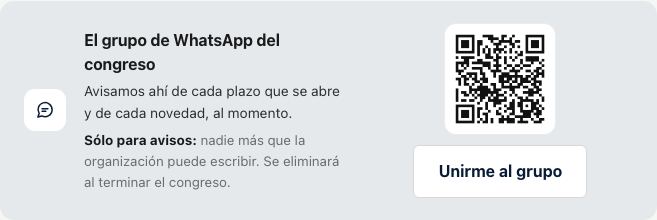
Yes, if the organisers have opened one: you will see it on the home page with the “Join the group” button and its QR code. It is for announcements only (deadlines, news, last-minute changes): only the organisers write in it, and it is deleted when the congress ends.
It is your badge with a QR code. It is scanned at the entrance to sessions and events. Download it from “My area” with “Download badge” once your registration is confirmed; you can carry it on your phone or printed.
In “Sign in”, click “Forgot your password?” and enter your email. We will send you a link to choose a new one; it expires after a while, so use it soon. Your username is always your email.
Escríbenos a info@aet2027.es y te respondemos.